Sign In With a Password, Google, or Both
Your DS160.io account can now have a password and a Google sign-in at the same time. Add or remove either from the Security page, and reset a forgotten password by email.
Sign In With a Password, Google, or Both
Until now, a DS160.io account signed in one way: with the password you chose at sign-up, or with Google. Whichever you picked first was the only way in. If you signed up with Google and later wanted a password, or forgot the password you had, there was no way to change it yourself.
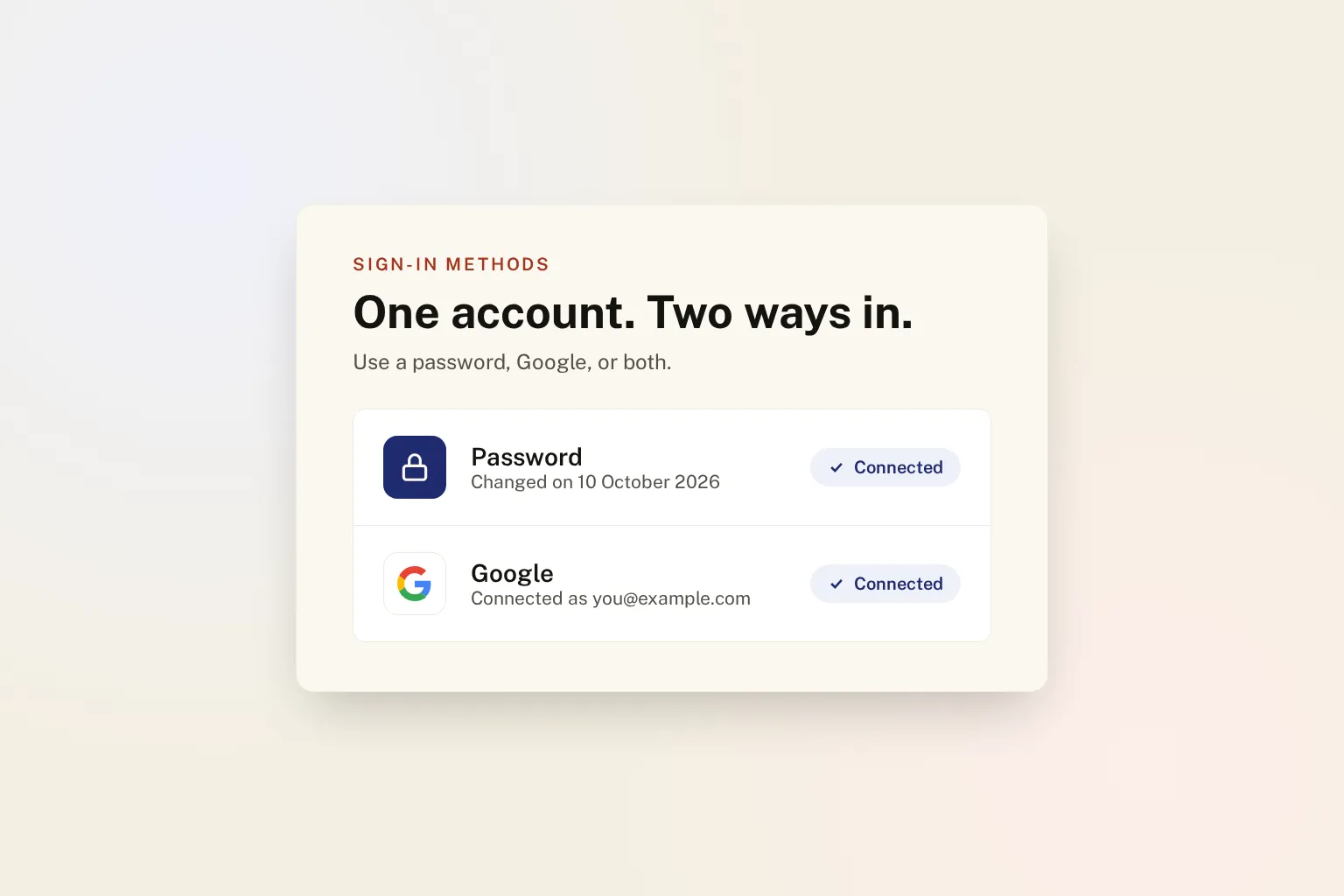
That changes today. Your account and the ways you sign in to it are now separate, so one account can have a password, a Google sign-in, or both, and you can sign in with either.
What you can do
Everything is on the Security page inside your workspace, under a new Sign-in methods card. The Account & Security guide walks through each step; here is the short version.
- Add Google to a password account. Click the Google button on the Security page and choose your Google account. It does not have to use the same email address as your DS160.io account.
- Add a password to a Google account. Click Set a password. We email you a link, and you choose your password from it.
- Change your password. Enter your current password and the new one. Every other device you were signed in on is signed out.
- Disconnect Google. Once your account has a password, you can remove Google. An account always keeps at least one way in, so Google cannot be disconnected while it is the only one.
We email you whenever a password is changed or Google is added, so a change you did not make never goes unnoticed.
Continue with Google just works
If you already have a password account and choose Continue with Google on the sign-in page with the same email address, we no longer turn you away. Google has confirmed that the address is yours, so we add Google to your existing account and sign you in. Your forms, workspace and history are all where you left them.
Once linked, we recognise your Google account by Google’s own account ID, not by its email address. If you later change the email on your Google account, you still land in the same DS160.io account.
Forgot your password?
There is now a Forgot password? link on the sign-in page, or you can go straight to Reset your password. Enter your email address and we send you a link to choose a new one.
- The link works once, and only for one hour.
- Once you use one link, any others we sent you stop working.
- Setting a password this way signs you out on every other device.
The same page is how an account that only uses Google adds its first password.
Your security settings still apply
Two-factor authentication covers both methods. If you have turned on two-factor authentication, you are asked for your code after signing in with Google, just as you are after your password. Someone who gets into your Google account still cannot get into DS160.io without it. Turning two-factor authentication off asks for your password, or for a fresh Google sign-in if your account has no password.
An unconfirmed password is removed when Google proves the address. Suppose someone signs up with your email address and a password, but never confirms the address, because it is not theirs. When you later sign in with Google using that address, we remove that unconfirmed password and sign out every device using it. You can set your own password at any time afterwards.
Passwords are never stored in readable form. We keep only a one-way hash of your password, and only a fingerprint of each reset link, so neither can be read back out of our database.
For agencies and immigration firms
Each member of your team chooses their own sign-in methods. A colleague who prefers Google can connect it without affecting anyone else, and someone who loses access to their Google account can set a password from the reset page instead of waiting on you. If you are setting up a team for the first time, the business quickstart covers inviting members.
Quick reference
| What | Where |
|---|---|
| Manage sign-in methods | Workspace → Security → Sign-in methods |
| Forgot your password | Sign-in page → Forgot password? |
| Reset link lifetime | One hour, single use |
| Add a password to Google | Security → Set a password (emailed link) |
| Two-factor authentication | Applies to password and Google sign-ins |
New to DS160.io? Account & Workspace Basics explains creating an account and finding your way around your workspace, and 10 DS160.io Features You Might Have Missed covers the rest of the platform.