DS-160 Confirmation Page: What It Shows and How to Reprint It
What the DS-160 confirmation page is, why you need it at the interview, how to reprint it from CEAC with your Application ID, and why it doesn't show the answers you gave.
Last reviewed: November 8, 2026.
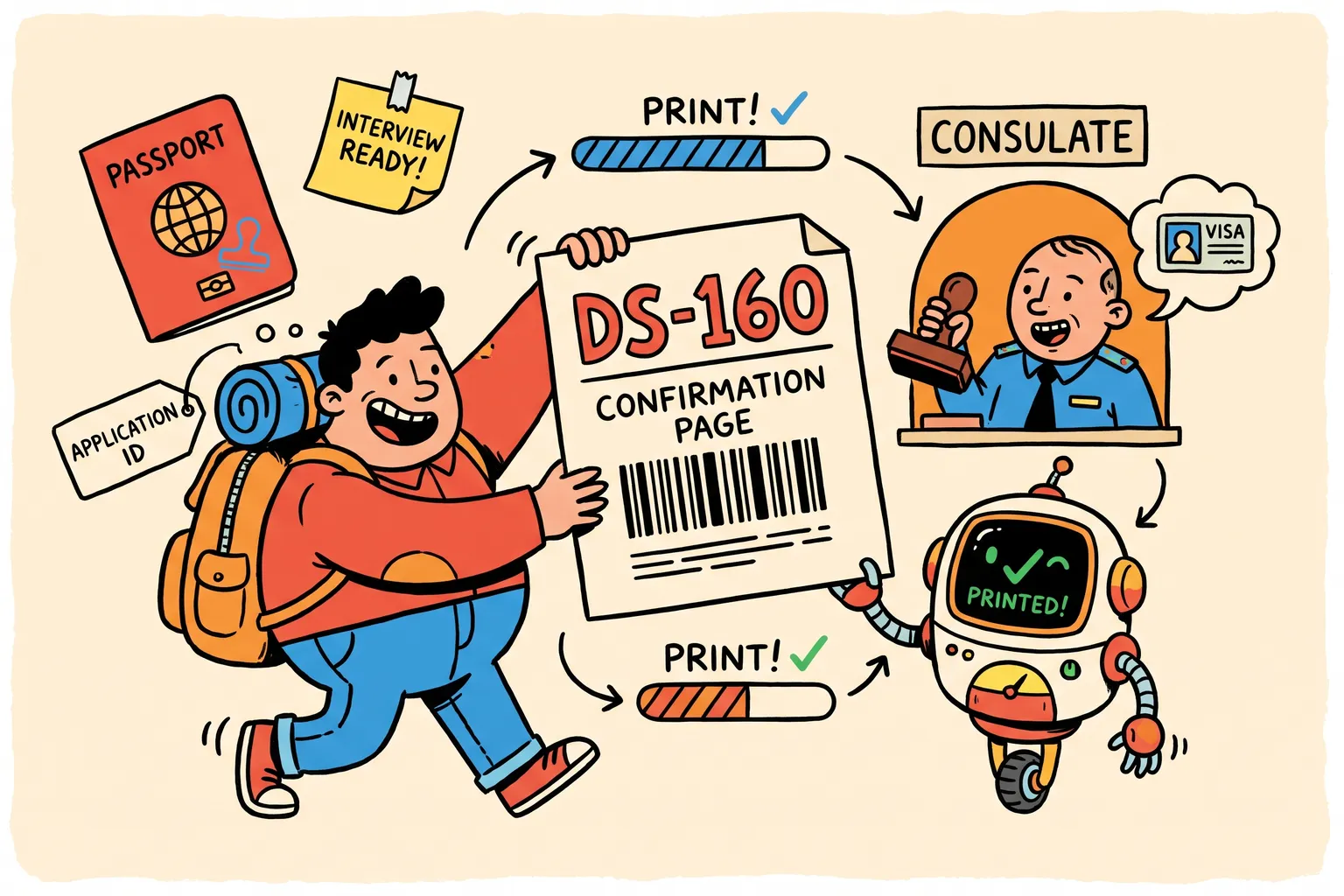
The confirmation page is the one piece of your DS-160 that you carry to the visa interview. This guide covers what is on it, how to get it again if you lost it, and what it doesn’t tell you.
What the confirmation page shows
CEAC shows the confirmation page as soon as you submit the DS-160. It has:
- your name and photo;
- the Application ID, the 10-character code starting with “AA”, which embassies also call the confirmation number;
- a barcode of that number, which the consular section scans.
It doesn’t list your answers to the form’s questions. To see those again, read our guide to seeing the answers on a DS-160 you already submitted.
Why you need it
Bring the confirmation page to your interview. The State Department’s DS-160 FAQ warns: “Without the confirmation page, we may not be able to process your visa case.”
The number on it also has to match the DS-160 number on your visa appointment. If you submitted a new DS-160 since you booked, update the appointment: see our guide to changing the DS-160 number on your appointment.
How to reprint it
On the official DS-160 site, ceac.state.gov/genniv:
- Select the location you chose when you started the DS-160.
- Choose Retrieve an Application.
- Enter the Application ID.
- Enter the first five letters of your surname, your year of birth and the answer to your security question, exactly as you set them.
CEAC then shows the confirmation page again, to print or save as a PDF.
If the site says the application “has been archived”, that is normal for a DS-160 submitted more than about a month ago. It “will take approximately 15 minutes to retrieve”: wait and try again.
If you can’t reprint it
- You lost the Application ID. Look in your email, your appointment account and anywhere you saved the page. Our lost application ID guide lists the usual places.
- You forgot the security answer. There is no reset. You need a new DS-160, and then the new number goes on your appointment.
Keep a copy
- Save the confirmation page as a PDF and email it to yourself the day you submit.
- Keep the Application ID and your security answer somewhere other than the computer you used.
- If you want your answers too, save them before you submit, or read them back afterwards with the free Retrieve tool. It gives you your answers, not the confirmation page, which only CEAC prints.
Common questions
Is the confirmation number the same as the Application ID? Yes. It is the “AA” code at the top of the form and under the barcode.
Does the confirmation page show my answers? No. It shows who you are and which DS-160 you submitted, not what you said in it.
Do I need to bring my answers to the interview? The confirmation page is what you bring. Reading your answers beforehand helps you answer the officer consistently with what you submitted.
This article is general information from official U.S. government sources, not legal advice. Your embassy or consulate decides your case.
Finish your DS-160 the easier way.
Answer the questions once. We check for missing and invalid answers, then enter everything on the official U.S. government website for you.
Free, with no card needed