How to See the Answers on a DS-160 You Already Submitted
Retrieving a submitted DS-160 on CEAC gets you its confirmation page, not your answers. How to read them back, what CEAC's copy leaves out, and how to keep them as a PDF.
Last reviewed: November 8, 2026.
You submitted a DS-160, and now you want to see what you entered: to prepare for the interview, to answer the same way on your next application, or simply to keep a record. This guide explains what the official site gives you back and how to read your answers again.
The short answer
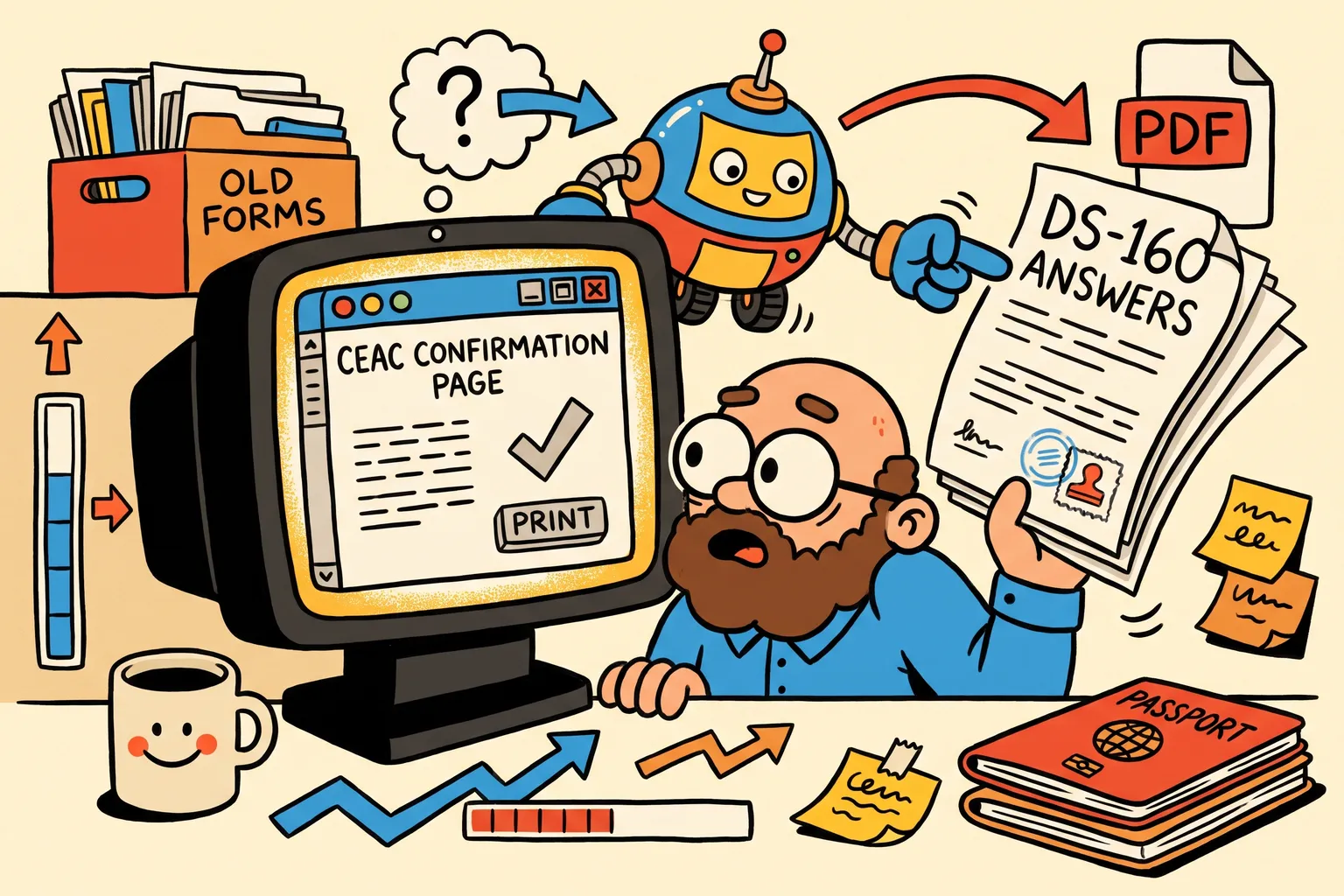
- Retrieving a submitted DS-160 on CEAC gets you its confirmation page, the page with your photo and barcode that you take to the interview. That page doesn’t list your answers.
- CEAC shows the answers only through a new, unsigned copy of the application. Your submitted DS-160 is not changed, and the copy lapses unless you submit it.
- That copy leaves some answers out, among them the security and background questions, the trip and the address in the U.S., and parts of your work and travel history.
- You can read the copy page by page on CEAC yourself, or use the free Retrieve tool, which reads it back for you and lets you save your answers as a PDF.
What you need
The same four things CEAC asks for whenever you retrieve an application:
- the location you chose when you started the DS-160;
- the Application ID, the 10-character code on your confirmation page;
- the first five letters of your surname and your year of birth;
- the answer to your security question, exactly as you typed it.
Lost the Application ID? Our guide to recovering a lost DS-160 application ID lists where it is usually still written down.
Why the confirmation page isn’t enough
The confirmation page proves you submitted a DS-160 and carries the barcode the consular section scans. It shows your name, photo and Application ID, not your answers to the form’s questions. If you didn’t save the answers before you submitted, the confirmation page won’t remind you what you said about your travel history, your work or your family.
That matters at the interview, where the officer may ask about anything on the form, and on your next application, where answers that differ from the last DS-160 for no reason invite questions.
Reading the answers on CEAC yourself
When you retrieve a submitted DS-160, CEAC lets you start a new application from it. That new application is a copy with its own Application ID, filled in with the answers CEAC carried over. Click through its pages to read them.
Two things to keep in mind:
- Don’t submit the copy unless you mean to file a new DS-160. A submitted copy is a new application with a new confirmation number, and that number would then have to be on your visa appointment. Our guide to changing the DS-160 number on your appointment explains why that matters.
- The copy isn’t the whole form. The security and background questions, the trip and the U.S. address, and parts of the work and travel history come back empty. Your submitted DS-160 still has them; the copy just doesn’t show them.
Reading them back with the Retrieve tool
The free Retrieve tool on DS160.io does the clicking for you:
- Enter the same four details and agree to the copy.
- Wait a few minutes while it opens the DS-160 on CEAC and reads the copy’s pages. We solve CEAC’s security code for you, and only rarely ask you to type it.
- Your answers appear section by section, with a list of what CEAC’s copy left out and the answers that may be out of date.
Seeing the answers is free and needs no account. Enter your email to download them as a PDF. What the tool read is kept for 7 days and then deleted. The details you typed are used once and deleted. Nothing is signed or submitted, and your submitted DS-160 is not changed.
DS160.io is independent and not affiliated with the U.S. Department of State.
Using the answers for your next DS-160
If you are applying again, the result has a button to start your next DS-160 with these answers. Create a free account in the same browser and the answers open as your first form: you answer what CEAC’s copy left out, check the rest, and file it with DS160.io, free.
Not sure whether you need a new DS-160 at all? The free Do I need a new DS-160? checker asks a few questions and tells you.
Common questions
Does retrieving my DS-160 change it? No. A submitted DS-160 can’t be edited. Reading it back works on a copy, and the copy lapses if it isn’t submitted.
Will I get a new Application ID? The copy CEAC makes has one, but you only need it if you submit that copy as a new DS-160. Your confirmation page and appointment keep the original.
I found a mistake while reading it. What now? A submitted DS-160 can’t be corrected. See our guide to fixing a mistake after submitting.
Can I get the answers from a DS-160 I submitted a year ago? Sometimes. CEAC archives a DS-160 about a month after it was last used and doesn’t keep it forever. Our guide to retrieving an old DS-160 covers what to expect.
This article is general information, not legal advice. Your embassy or consulate decides your case.
Finish your DS-160 the easier way.
Answer the questions once. We check for missing and invalid answers, then enter everything on the official U.S. government website for you.
Free, with no card needed