DS-160 PDF: Blank Form, Sample, or a Copy of Your Own Answers
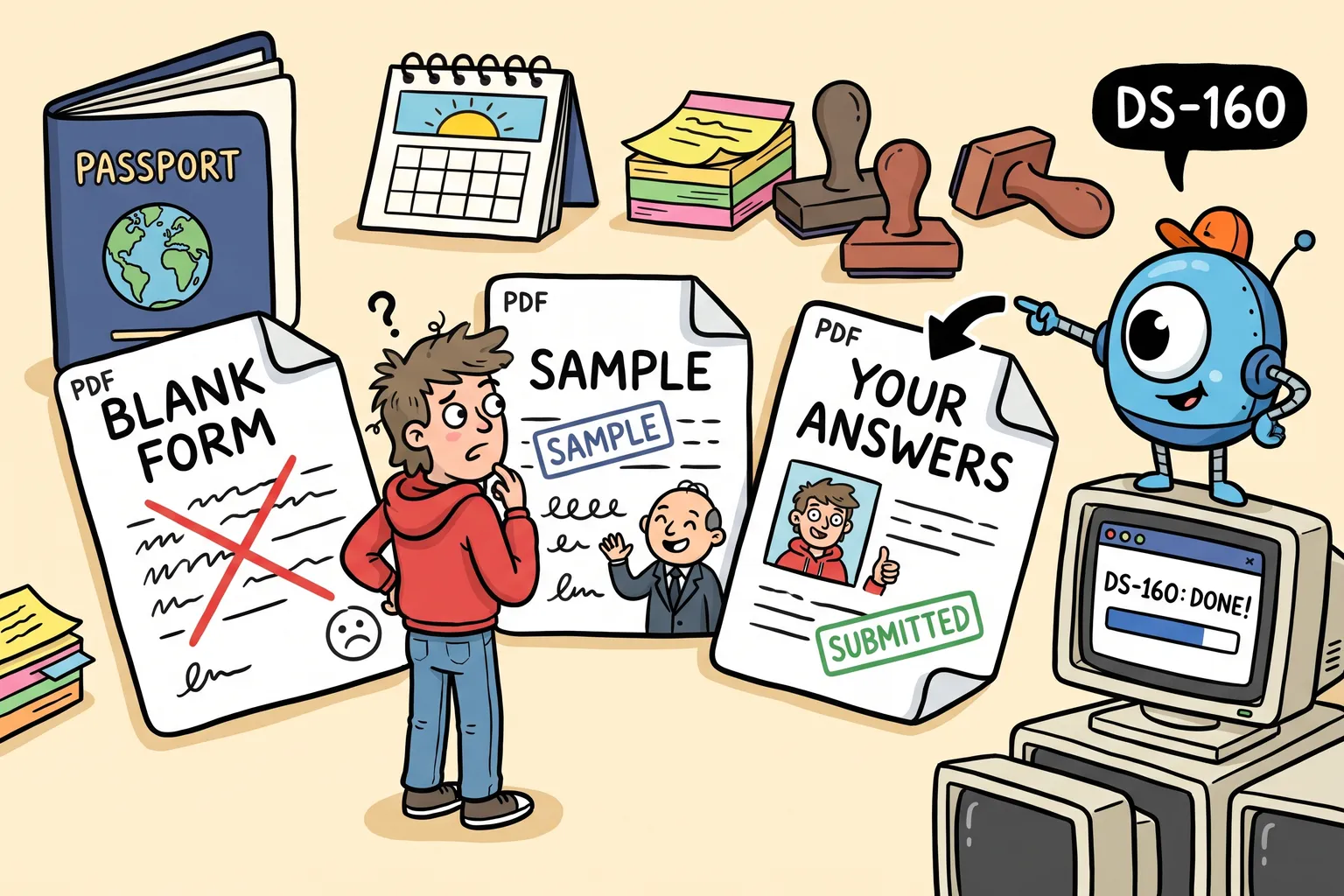
There is no official DS-160 PDF to fill in. What a DS-160 PDF can be instead: a sample to prepare with, your confirmation page, or a copy of the answers you submitted.
Last reviewed: November 8, 2026.
People search for “DS-160 PDF” for three different reasons: to fill in the form on paper, to see its questions before they start, or to keep a copy of what they submitted. Only the last two are possible. This guide sorts them out.
There is no official DS-160 PDF to fill in
The DS-160 is completed and submitted online, on the State Department’s site at ceac.state.gov/genniv. There is no paper or PDF version to fill in and send. A “DS-160 PDF” you find for download elsewhere is at best a list of the questions; the embassy won’t accept it as an application.
To see the questions before you start: a sample
Seeing every question in advance is the best reason to want a PDF. Our sample DS-160 forms show completed DS-160s for common situations, page by page, each with a PDF to download. The applicants are fictional; the questions and the order are the form’s own.
The free DS-160 checklist lists the documents and information to gather first.
After you submit: the confirmation page
When you submit, CEAC shows the confirmation page: your name, photo, Application ID and a barcode. Save it as a PDF and bring a printout to your interview. It doesn’t list your answers. Our guide to the DS-160 confirmation page covers reprinting it.
After you submit: a copy of your answers
CEAC has no button to download your answers as a PDF. You can still get them:
- With the free Retrieve tool. The Retrieve tool reads a submitted DS-160 back from CEAC in a few minutes, using the same details CEAC asks for. Your answers appear on the page, free; enter your email to download them as a PDF, set out section by section.
- If you file on DS160.io. Your form’s overview has a Download PDF for your interview button, for your answers before or after you file. See downloading your DS-160 as a PDF.
A copy read back from CEAC doesn’t hold every answer. CEAC’s copy leaves out the security and background questions, the trip and the address in the U.S., and parts of the work and travel history, and the Retrieve tool lists them with your result. Our guide to seeing a submitted DS-160’s answers explains why.
What to do with the PDF
- Read it before your interview, so your answers to the officer match what you submitted.
- Keep it for your next application, to answer consistently. On DS160.io you can start your next DS-160 with the retrieved answers already filled in.
- Don’t send it to the embassy. Bring the confirmation page; the embassy reads your DS-160 from its own system.
Common questions
Can I fill in a DS-160 offline and upload it? Not as a PDF. CEAC lets you save an unfinished application to a file and upload it later to carry on, but only its own file, and only to finish the form online.
Is a sample DS-160 PDF the real form? It shows the real questions in the real order, answered for a fictional applicant. You still fill in your own DS-160 online.
Does the PDF of my answers show my confirmation page? No. The confirmation page is printed from CEAC.
This article is general information, not legal advice. Your embassy or consulate decides your case.
Finish your DS-160 the easier way.
Answer the questions once. We check for missing and invalid answers, then enter everything on the official U.S. government website for you.
Free, with no card needed