Can You Still Retrieve an Old DS-160?
How long CEAC keeps a DS-160: 30 days for one never submitted, archiving after about a month for a submitted one, and what to do when an old DS-160 is gone.
Last reviewed: November 8, 2026.
You filled in a DS-160 a while ago and want it back: to reprint its confirmation page, to read your answers, or to start a new one from them. Whether you still can depends on whether you submitted it, and on how long ago.
The short answer
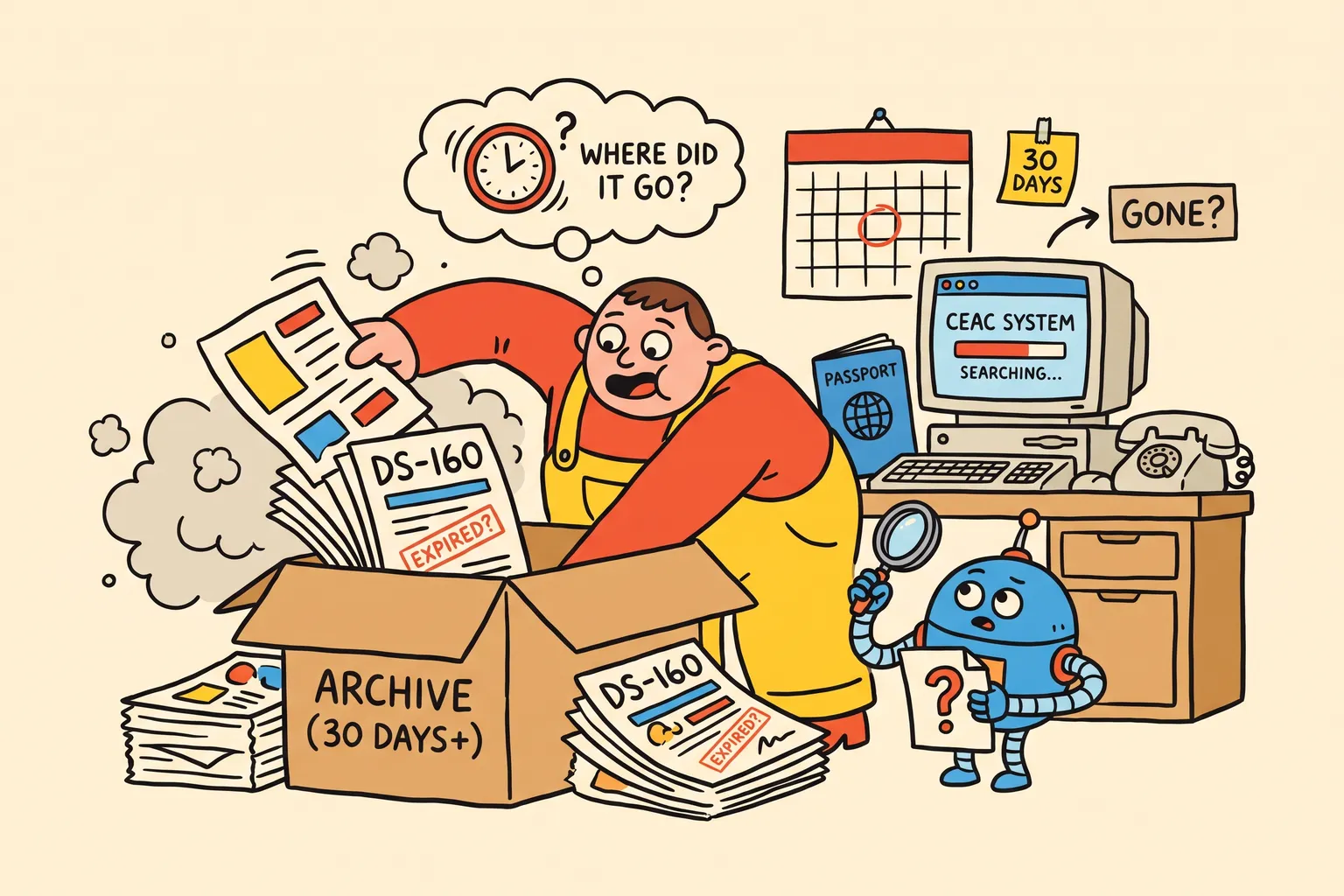
- Never submitted: CEAC keeps it for 30 days. After that it is gone, unless you saved it to a file.
- Submitted: CEAC archives it about a month after it was last used. Retrieving an archived DS-160 takes about 15 minutes, then works as usual.
- Submitted long ago: CEAC doesn’t keep a DS-160 forever. We have seen one about 10 months old that CEAC no longer had.
- Gone? Start a new DS-160. If you have its confirmation page or a copy of your answers, you don’t lose much.
A DS-160 you never submitted
The State Department’s DS-160 FAQ says: “You have 30 days to return to a partially completed application.” After that the site no longer finds it.
The exception is a DS-160 you saved with Save Application to File. Upload that file with Upload a Previously Saved Application and you carry on where you were.
A DS-160 you submitted
A submitted DS-160 stays on CEAC longer, but it isn’t kept forever.
- About a month after it was last used, CEAC archives it. Retrieve it as usual: the site says it “has been archived” and “will take approximately 15 minutes to retrieve”. Wait, then try again. Nothing is lost.
- Much later, it may be gone. We haven’t found an official period. In our own retrievals, one about 10 months old was no longer there.
So if you will want your answers again, save them while you can.
What you can get back from a submitted DS-160
- The confirmation page, by retrieving the application on ceac.state.gov/genniv with your Application ID, surname, year of birth and security answer. See our guide to the DS-160 confirmation page.
- Your answers, through a new, unsigned copy CEAC makes of the application. The copy leaves some answers out, among them the security and background questions, the trip and the U.S. address, and parts of the work and travel history. Our guide to seeing a submitted DS-160’s answers explains how, by hand or with the free Retrieve tool.
Starting a new DS-160 from an old one
If you are applying again, you don’t have to type everything a second time. While CEAC still has the old DS-160, you can:
- start a new application from it on CEAC, check every page, and answer what the copy left out; or
- read it back with the Retrieve tool and choose Start my next DS-160 with these answers. The answers open as your first form on DS160.io, where filing is free.
Either way, check the answers that change between applications: your passport, your job, your address, earlier trips to the U.S. and the purpose of this trip. Answers that differ from your last DS-160 for no reason invite questions at the interview.
When the old DS-160 is gone
Complete a new DS-160. It gets a new confirmation number, and that number must be on your visa appointment: see our guide to changing the DS-160 number on your appointment.
Our guide to how long a DS-160 lasts covers when an old one can still be used for an appointment, and the free Do I need a new DS-160? checker tells you whether your situation needs a new one.
Common questions
My old DS-160 says “archived”. Is it lost? No. Wait about 15 minutes and retrieve it again.
I lost the Application ID of my old DS-160. CEAC finds a DS-160 only by its Application ID. See our lost application ID guide.
Can I reuse an old DS-160 for a new appointment? It depends on your situation and your embassy. The checker walks through it.
This article is general information, not legal advice. Your embassy or consulate decides your case.
Finish your DS-160 the easier way.
Answer the questions once. We check for missing and invalid answers, then enter everything on the official U.S. government website for you.
Free, with no card needed